

- Published on
How Generative AI is Revolutionizing SaaS UX Design
Listen to the full article:
- Authors

- Name
- Jagadish V Gaikwad
Why SaaS UX Design Needs a Boost
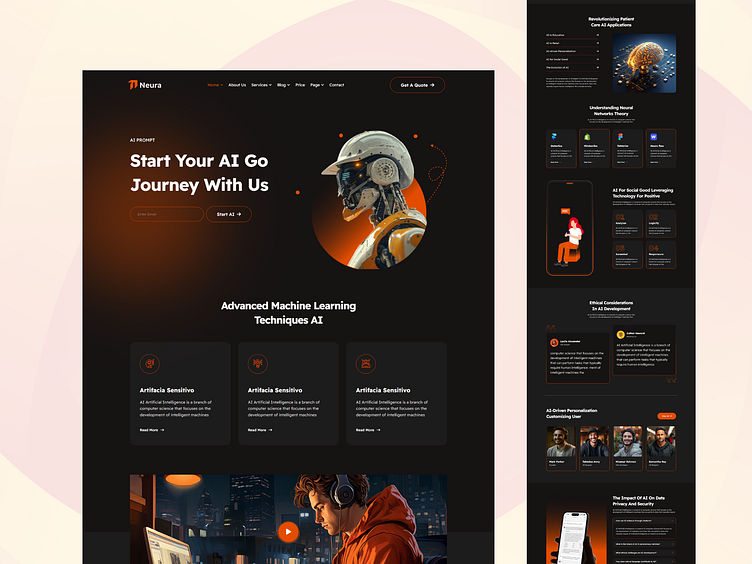
SaaS products live and die by the experience they deliver. A clunky onboarding flow or a confusing settings page can shave weeks off your churn curve. Yet, traditional UX cycles are painfully iterative: research, wireframe, prototype, test, repeat. That loop can stretch months, especially when you’re juggling feature requests, compliance checks, and a growing user base.
Enter generative AI. With large language models and diffusion‑based image generators now accessible via APIs, designers can spin up high‑fidelity mockups, micro‑copy, and even interaction specs in minutes. The result? Faster validation, tighter design systems, and more bandwidth for strategic work.
In this post we’ll unpack:
- The core ways generative AI powers SaaS UX design
- Real‑world tools you can start using today
- A side‑by‑side comparison of AI‑assisted vs. manual workflows
- Practical tips to keep the human touch alive
All while keeping the primary keyword—SaaS UX design powered by generative AI—front and center.
1. Ideation at Light‑Speed
AI‑Generated Personas & Scenarios
Before you draw a single button, you need to know who you’re designing for. Generative AI can synthesize personas from raw user data (support tickets, survey text, usage logs) in a few prompts:
Create three SaaS user personas for a project‑management tool based on these support excerpts: …
The output is a ready‑to‑use profile with goals, pain points, and even a short “day in the life” narrative. No more manual spreadsheets.
Rapid Wireframing
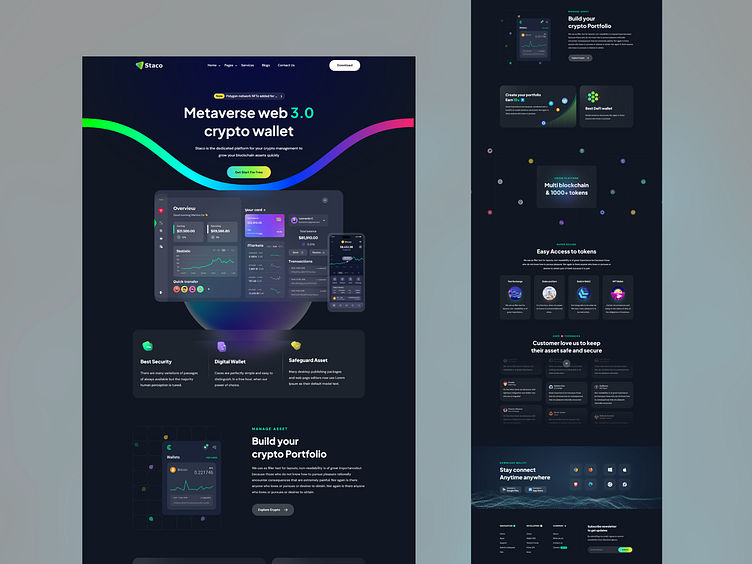
Tools like Uizard and Figma’s AI plugins let you describe a screen in plain English and instantly receive a wireframe:
“A dashboard showing project health, with a progress bar, recent activity feed, and a quick‑add task button.”
Within seconds you have a low‑fidelity layout that you can tweak or hand off to a developer. This cuts the ideation phase from days to hours.
2. Content Creation that Speaks the User’s Language
Micro‑copy on Autopilot
Micro‑copy—those tiny bits of text on buttons, error messages, tooltips—can make or break trust. Generative AI models fine‑tuned on UX copy libraries can suggest tone‑consistent phrasing:
Prompt: Write a friendly error message for a failed file upload in a SaaS analytics platform.
Result: “Whoops! Looks like that file didn’t make it through. Give it another go, or check the format and try again.”
Because the model has seen thousands of examples, the copy feels human without you having to write every line from scratch.
Dynamic Help Center Articles
A growing SaaS often expands its feature set faster than its documentation team. By feeding the model your feature spec, you can auto‑generate first‑draft help articles, which editors then polish. This keeps the knowledge base fresh and reduces support tickets.
3. Design Consistency Across Teams
AI‑Driven Design Systems
One of the biggest headaches in SaaS UX is drift—different teams applying slightly different button styles or spacing conventions. Generative AI can enforce a design system by:
- Parsing your existing component library.
- Generating new component variations that respect your token set (colors, typography, spacing).
- Suggesting updates when a brand guideline changes.
Tools like Builder.io’s AI assistant can even propose component variants based on usage patterns, ensuring that the UI stays cohesive as the product scales.
Real‑Time Accessibility Checks
Accessibility is non‑negotiable, but manual audits are time‑consuming. AI can scan a design file, flag contrast issues, missing ARIA labels, and even suggest fixes in the same UI file. The result is a tighter, more inclusive product without a dedicated QA sprint.
4. Prototyping & User Testing—Faster Than Ever
Auto‑Generated Interactive Prototypes
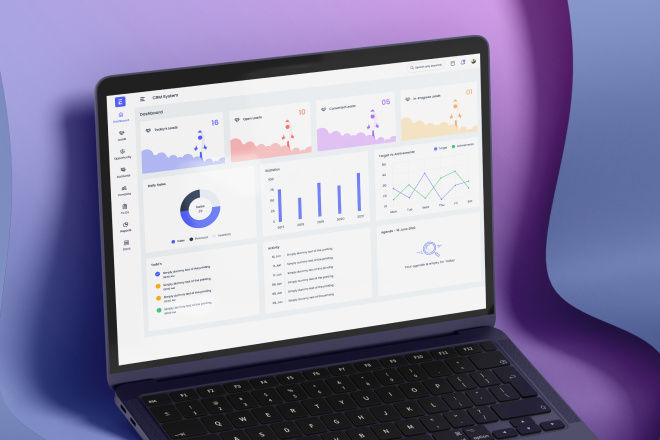
After wireframes, you usually need to build a clickable prototype. With generative AI, you can feed a set of screens and get an interactive prototype with transitions, hover states, and even basic animations. This is especially handy for stakeholder demos where you need something more tangible than static mockups.
AI‑Facilitated Usability Testing
Platforms like UserTesting.com now integrate AI to automatically transcribe, summarize, and sentiment‑score user feedback. Instead of watching dozens of videos, you get a concise report highlighting the top friction points. The AI also clusters feedback by feature, helping you prioritize fixes.
5. Comparison: AI‑Assisted vs. Manual SaaS UX Workflow
| Stage | Traditional Manual Process | AI‑Assisted Process | Time Saved (Typical) |
|---|---|---|---|
| Research & Personas | Interviews → spreadsheets → manual synthesis | Prompt AI with raw data → auto‑generated personas | 2–3 days → <12 hours |
| Wireframing | Sketches → Figma → iterative revisions | Text prompt → instant wireframe | 1–2 days → <2 hours |
| Copywriting | Copy decks → iterative edits | AI micro‑copy suggestions per component | 4–6 hrs → <30 mins |
| Design System Updates | Manual token audit → component rebuild | AI scans library, suggests token‑compliant variants | 1–2 weeks → <1 day |
| Prototyping | Build in Figma/ProtoPie | AI auto‑generates interactive prototype | 2–3 days → <4 hrs |
| Usability Testing | Recruit users, record, analyze | AI transcribes & summarizes feedback | 1–2 weeks → <2 days |
The table makes it clear: SaaS UX design powered by generative AI can slash weeks of work into hours, letting teams focus on strategic problems instead of repetitive tasks.
6. Real‑World Examples
Notion’s AI‑Enhanced Onboarding
Notion recently added an AI assistant that helps new users set up their first workspace. The onboarding flow is built on generative AI that suggests page templates based on the user’s industry and goals. The result? A 27 % boost in activation rates within the first week.
Atlassian’s Design System Bot
Atlassian launched a bot that watches pull requests for UI changes. When a dev adds a new button, the bot checks the design system, suggests the correct token values, and even auto‑updates the relevant Figma component. Designers report a 40 % reduction in back‑and‑forth tickets.
Freshbooks’ Automated Help Center
Freshbooks leveraged GPT‑4 to draft help articles for every new feature release. Editors spend ~15 minutes polishing each article instead of hours writing from scratch, cutting knowledge‑base update time by 80 %.
7. Practical Tips to Keep the Human Touch
- Prompt with Context – The better the input, the better the AI output. Include brand voice guidelines, user pain points, and examples.
- Set Guardrails – Define “do not generate” rules (e.g., no medical advice, no copyrighted text). Most platforms let you add custom filters.
- Human Review Loop – AI is a co‑pilot, not a captain. Always have a designer or copywriter vet the output before publishing.
- Track Metrics – Measure the impact: time saved, click‑through rates on AI‑generated copy, and user satisfaction scores. Adjust prompts based on data.
- Stay Updated – Generative models evolve quickly. Schedule quarterly “AI tool audits” to ensure you’re using the latest capabilities and pricing plans.
8. Getting Started Today
If you’re curious but hesitant, start small:
| Goal | Recommended Tool | Quick Win |
|---|---|---|
| Generate personas | ChatGPT + Zapier | Auto‑populate persona cards in Notion |
| Wireframe ideas | Uizard | Turn a Slack message into a screen mockup |
| Micro‑copy | Copy.ai | Draft error messages for a new form |
| Design consistency | Builder.io AI | Auto‑suggest component variants |
Most of these tools offer free tiers or trial credits, so you can experiment without breaking the budget.
9. The Future Landscape
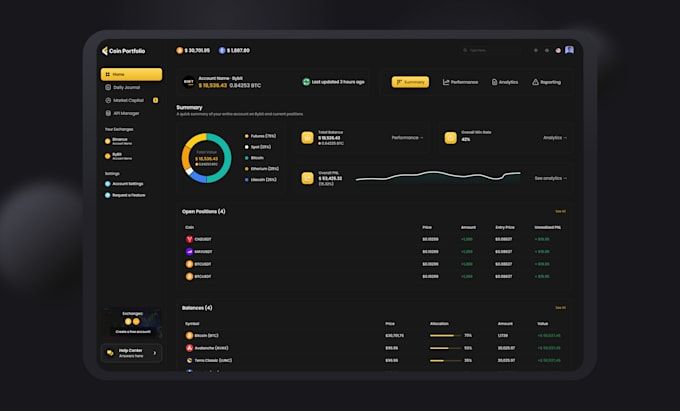
Looking ahead, we’ll likely see tighter integration between product analytics platforms and generative AI. Imagine a system that watches how users interact with a feature, automatically drafts a redesign proposal, and pushes a prototype straight to your staging environment—all with a single click.
Ethical considerations will also rise: ensuring AI‑generated designs don’t inadvertently embed bias, respecting data privacy when feeding user logs into models, and maintaining transparency with users about AI‑assisted experiences.
But the core promise remains: SaaS UX design powered by generative AI will keep getting faster, smarter, and more inclusive, freeing teams to solve the truly complex problems that differentiate great products.
Takeaway Cheat Sheet
- Persona generation – Prompt AI with raw support data.
- Wireframes – Use text‑to‑design tools for instant layouts.
- Copy – Let AI spin micro‑copy, then polish.
- Design system – AI audits and suggests token‑aligned components.
- Prototype – Auto‑create clickable flows for stakeholder demos.
- Testing – AI‑summarized user feedback accelerates iteration.
Apply one of these steps this week, and you’ll start feeling the time‑saving ripple across your product pipeline.
Building a SaaS product is a marathon, not a sprint. But with generative AI as your design partner, the miles feel a lot shorter. What part of your workflow would you hand over to an AI assistant first? Drop a comment below—let’s swap stories and tips!
You may also like
- Best AI SaaS Tools for Small Businesses in 2025: Boost Growth and Efficiency
- AI-Driven Knowledge Bases for Tech Companies: Benefits, Use Cases & Top Tools
- How AI is Used in Cloud Cost Management: Smarter Spending in 2025
- Why Cloud Security Is Critical for Modern SaaS Businesses in 2025
- SaaS SEO: How to Rank Your Software Organically in 2025